
Does your display have bright-spot defects? Compensate for them using a software overlay
-
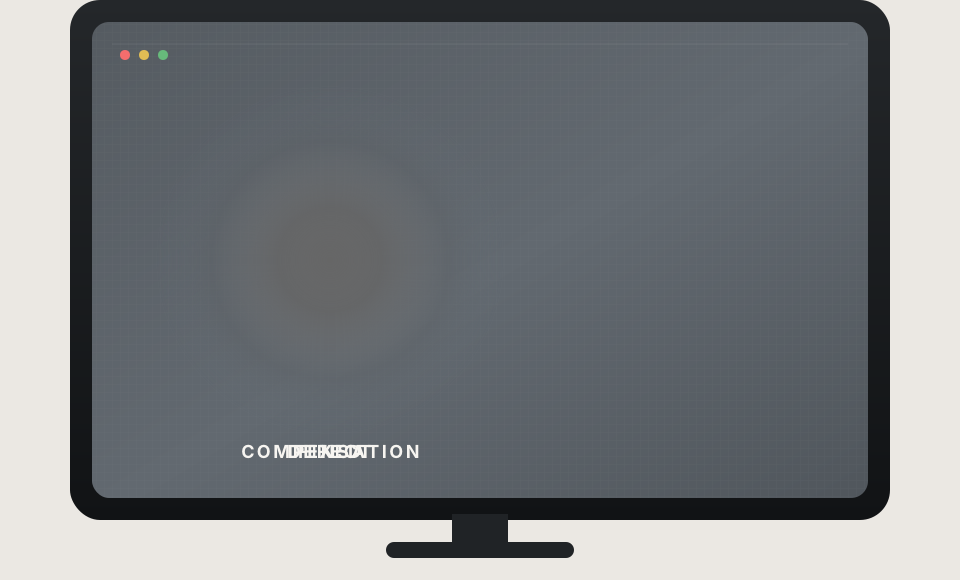
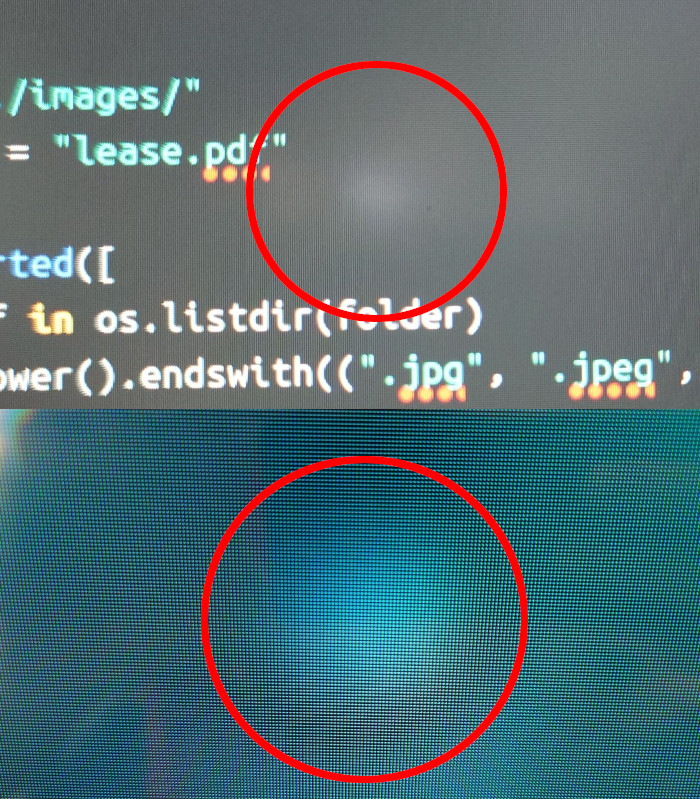
If your display has areas of increased brightness or backlight bleed defects, this program can compensate for them in software, making them less visible.
-
Position the compensation spot over the physical defect on your screen.

-
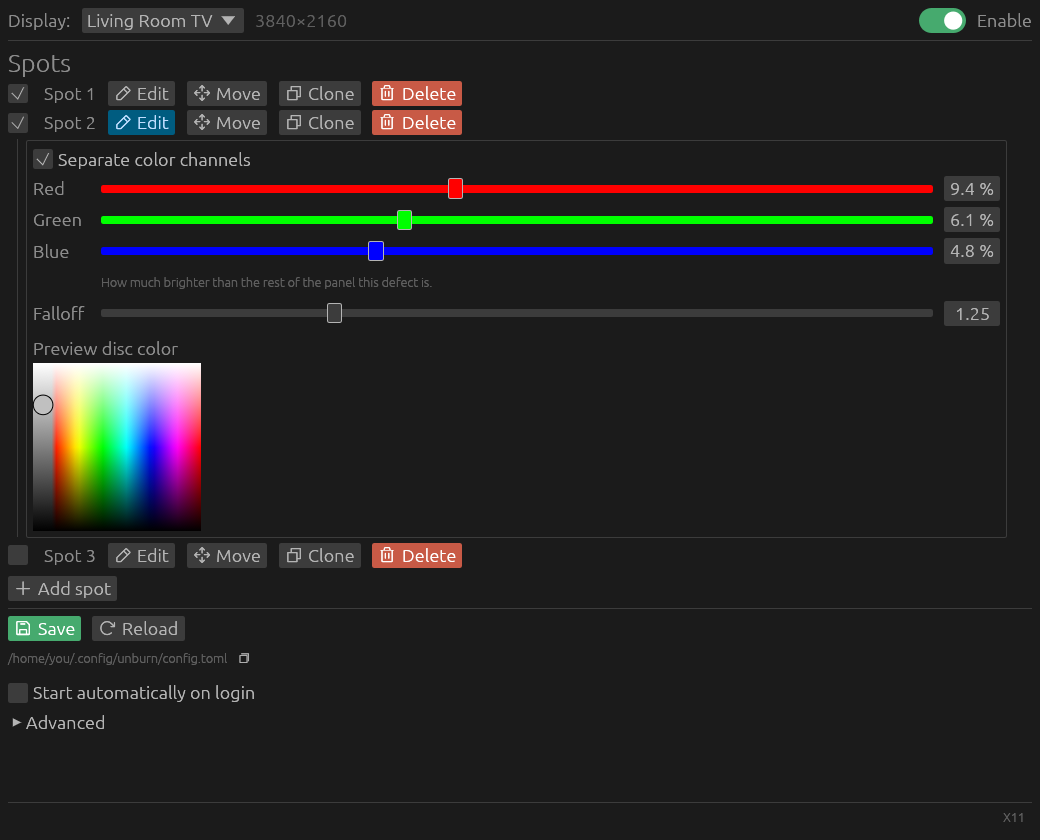
Adjust the spot’s strength and color shifts in the visual editor until the defect becomes less visible. Add as many compensation spots as needed.
-
Enable autostart and keep your screen usable for a couple more years!